Having trouble finding your Extension Onboarding emails?
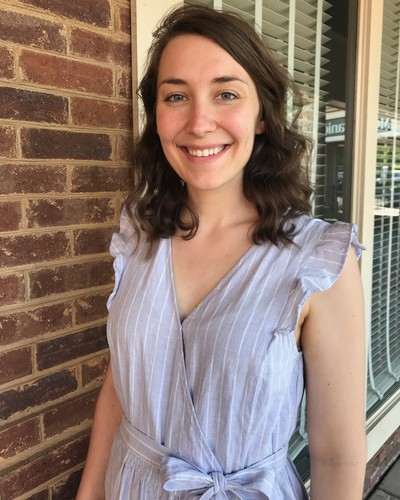
Messages will show up in your inbox- from Eleanor Baker, Extension Organizational Development Program Associate (eafrede2@ncsu.edu)
- with "Extension Onboarding" as the start of the subject line
- check the Spam folder, or
- search for messages from "eafrede2@ncsu.edu"
Locate the onboarding email. In this case, it went to the Updates folder. Drag the email to your Primary inbox tab as shown here:
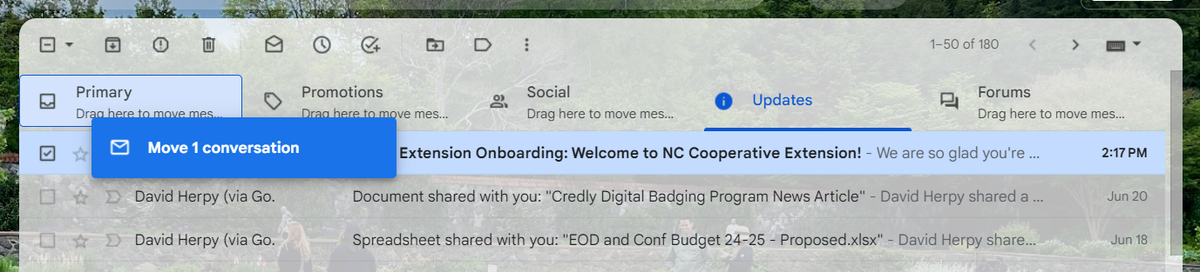
When asked, click “Yes” to confirm you want messages from this sender (Eleanor) to always go to your Primary inbox tab.
Still having a hard time finding the emails? Have a different question about onboarding? Call, text, or email Eleanor to ask for help.